Give the agent its own key, never yours
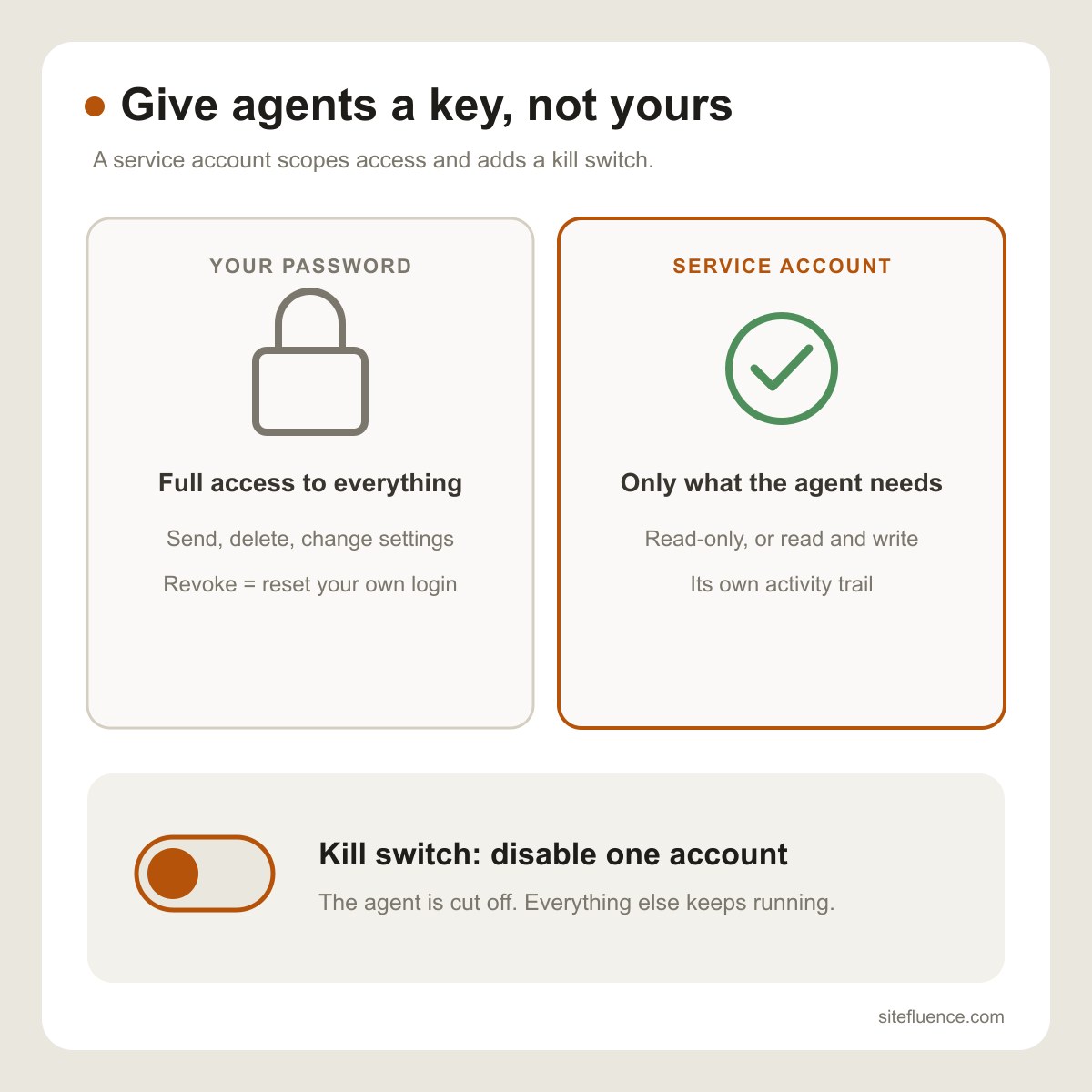
A service account is an identity built for software, not a person. Instead of handing an AI agent your username and password, you create a separate account for it, grant only the access it needs, and keep your own login to yourself. The agent works through that account. If anything goes wrong, you disable that one account and the agent is locked out instantly, while everything else you own keeps running.
Why this matters now
People are wiring agents into their inboxes, files, calendars and codebases. Each agent reads untrusted content, such as emails and web pages, that can try to steer it. Give it your real credentials and a single bad instruction can act with your full power: send mail as you, delete files, change settings. A service account caps the damage at whatever you chose to grant.
Why your password is the wrong thing to share
Your password unlocks everything, cannot be limited to one task, and leaves no clean trail of what the agent did versus what you did. Revoking it means changing your own password and breaking every other device you use. A service account fixes all three: narrow permissions, its own activity log, and removal without touching your login.
The kill switch
This is the part people underrate. Running several agents? Give each its own service account. When one misbehaves, gets compromised, or simply is no longer needed, you disable that single account. The other agents keep working, and you never have to rotate your own credentials or hunt down where your password ended up.
Read-only or read and write
Grant the smallest permission that does the job. An agent that summarizes or monitors only needs read access. An agent that must create or update things, like drafting documents or filing records, needs read and write. Start with read-only and widen access only when the agent genuinely has to write.
Our example: an agent that reads a Gmail inbox
We run an assistant agent that triages a Gmail inbox. It never got the account password. Instead, we created a dedicated Google Cloud project and granted the agent a token with exactly one permission: read Gmail. Google enforces that limit on its own servers, so any attempt to send, edit or delete mail is refused. If we ever want it gone, we revoke that one grant from the Google account's security page, and the agent loses access immediately.